NOTES on Image Quality
- On a Windows platform, this site is best viewed when the Display is set to 1024 x 768,
and the color quality is set to Highest (32 bit)
To set this property:
- Click on the START button, then select Settings, then click Control Panel
- Double-click the Display control panel
- Click on the SETTINGS tabpage
- Adjust the Screen Resolution slider until the numbers under the slider indicate 1024 x 768
- In the Color Quality dropdown, select "Highest (32 bit)"
- Click APPLY, then click OK
- Close the Control Panel folder
- To get the best quality from these images, ensure that your browser is NOT set up
to automatically resize images. To check this in Internet Explorer:
- Click on the Tools menu item
- Select Internet Options
- Click on the Advanced tabpage
- Scroll down to the MultiMedia section
- UN-check the "Enable Automatic Image Resizing" checkbox
- Click the OK button
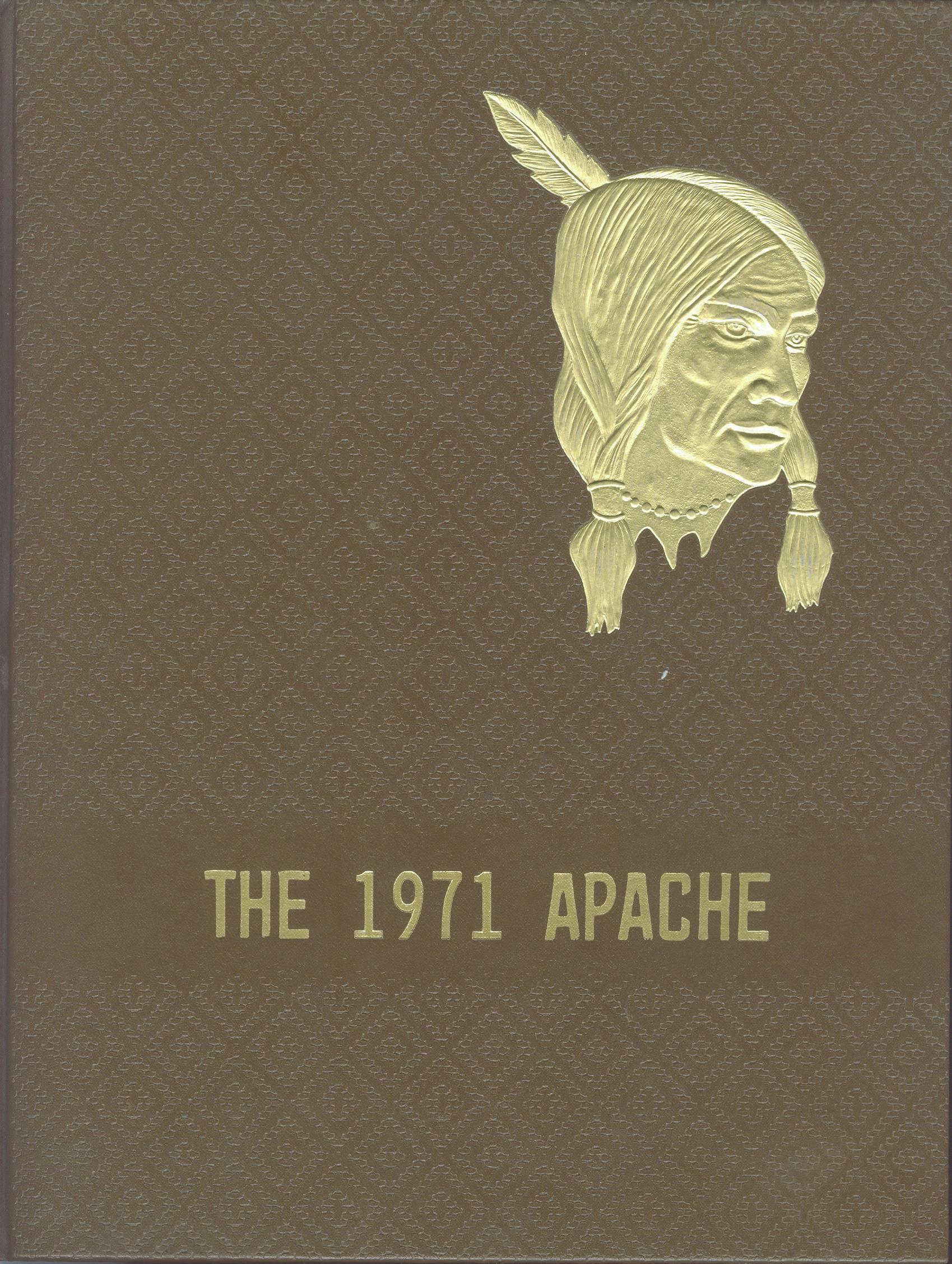
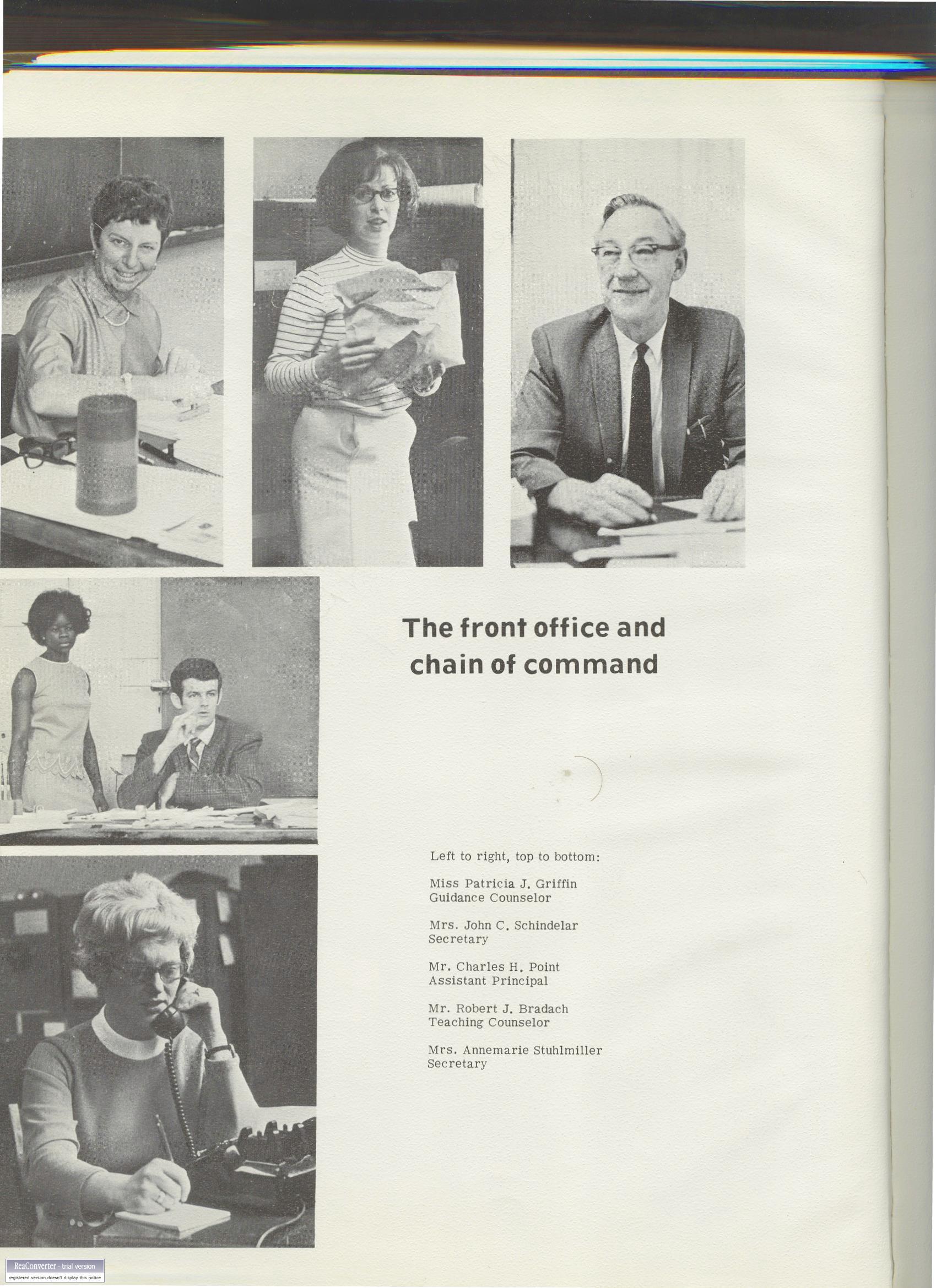
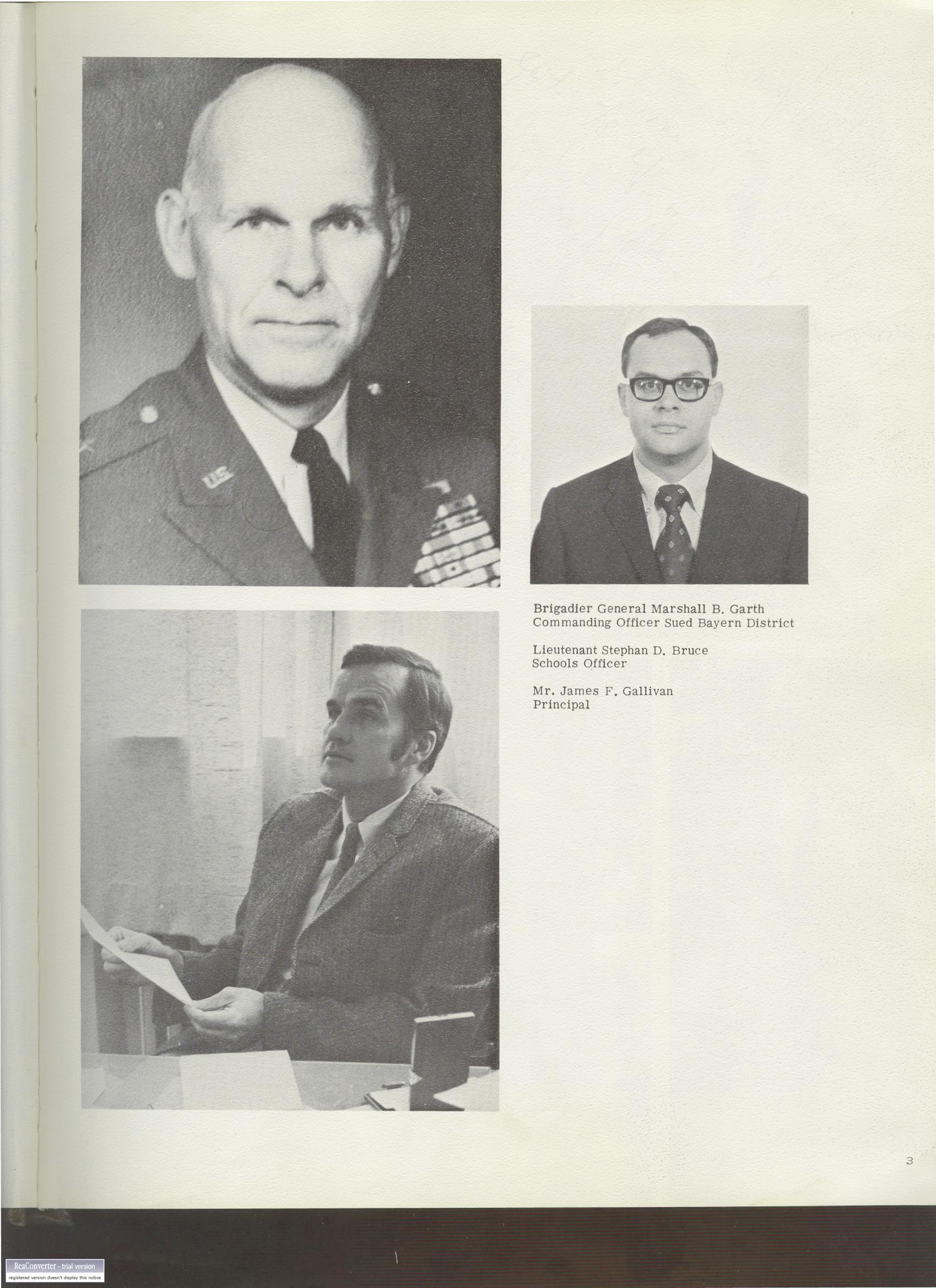
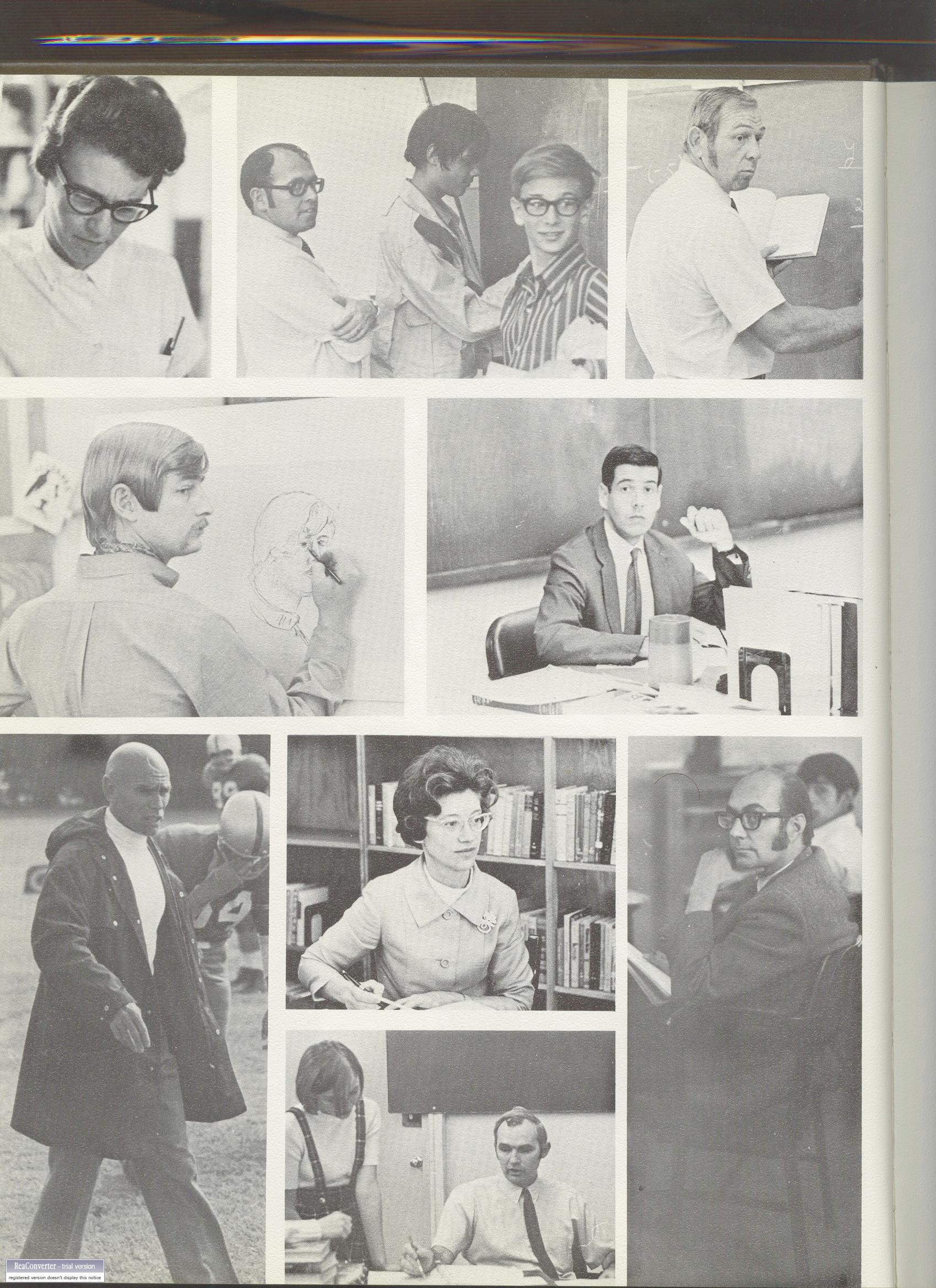
- I wanted to get this thing published as soon as possible, so the
images have not yet been cropped.
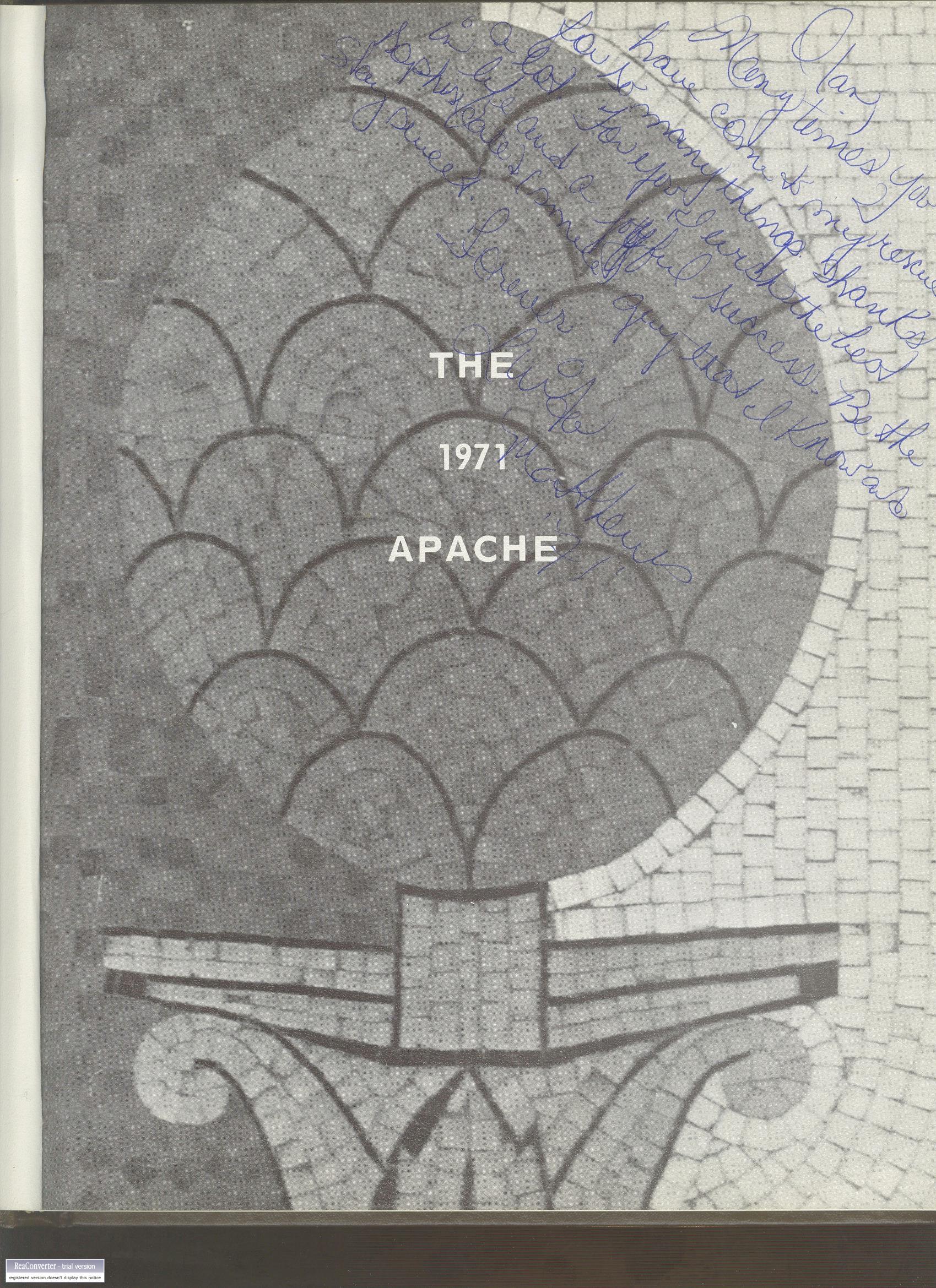
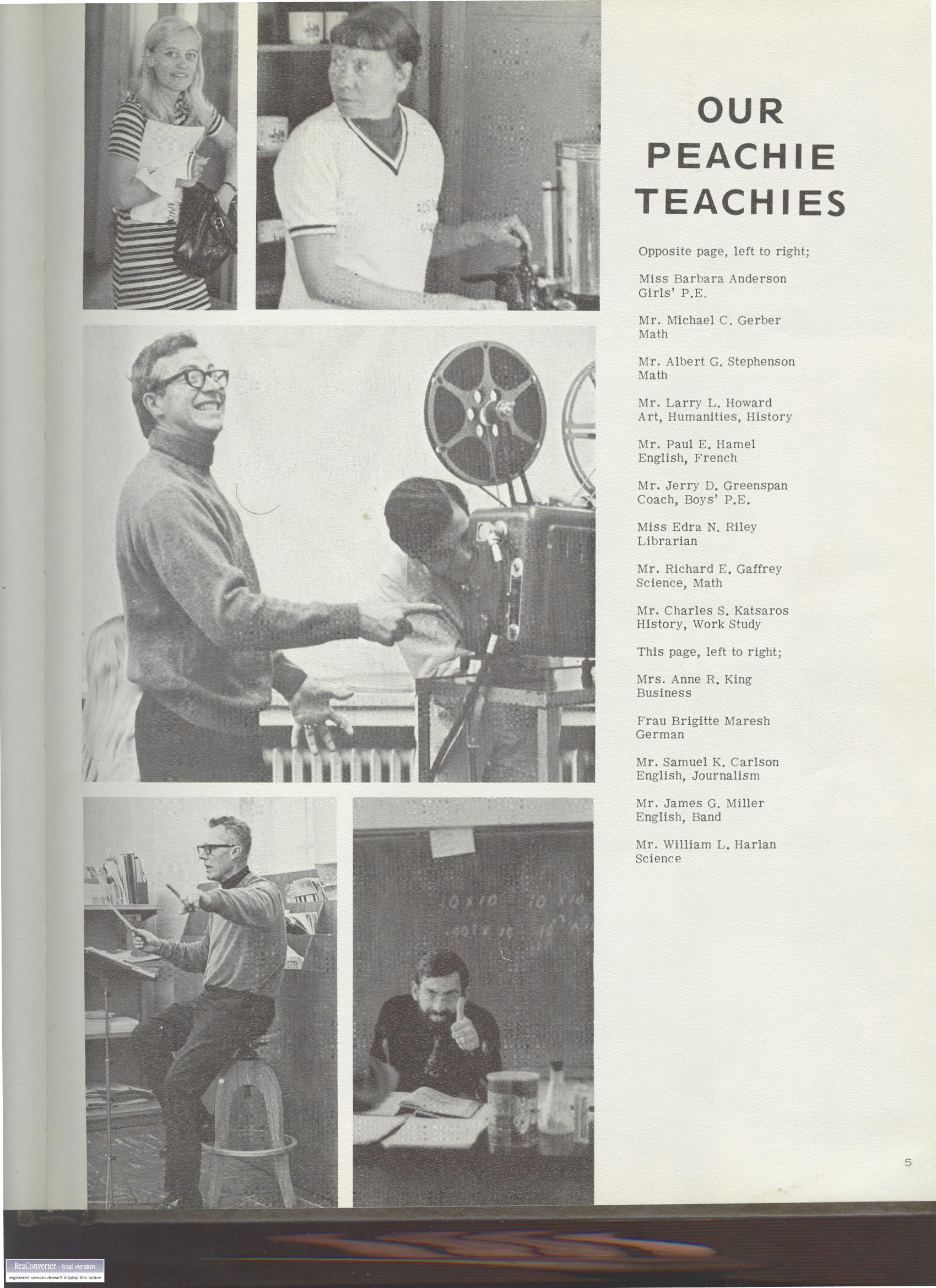
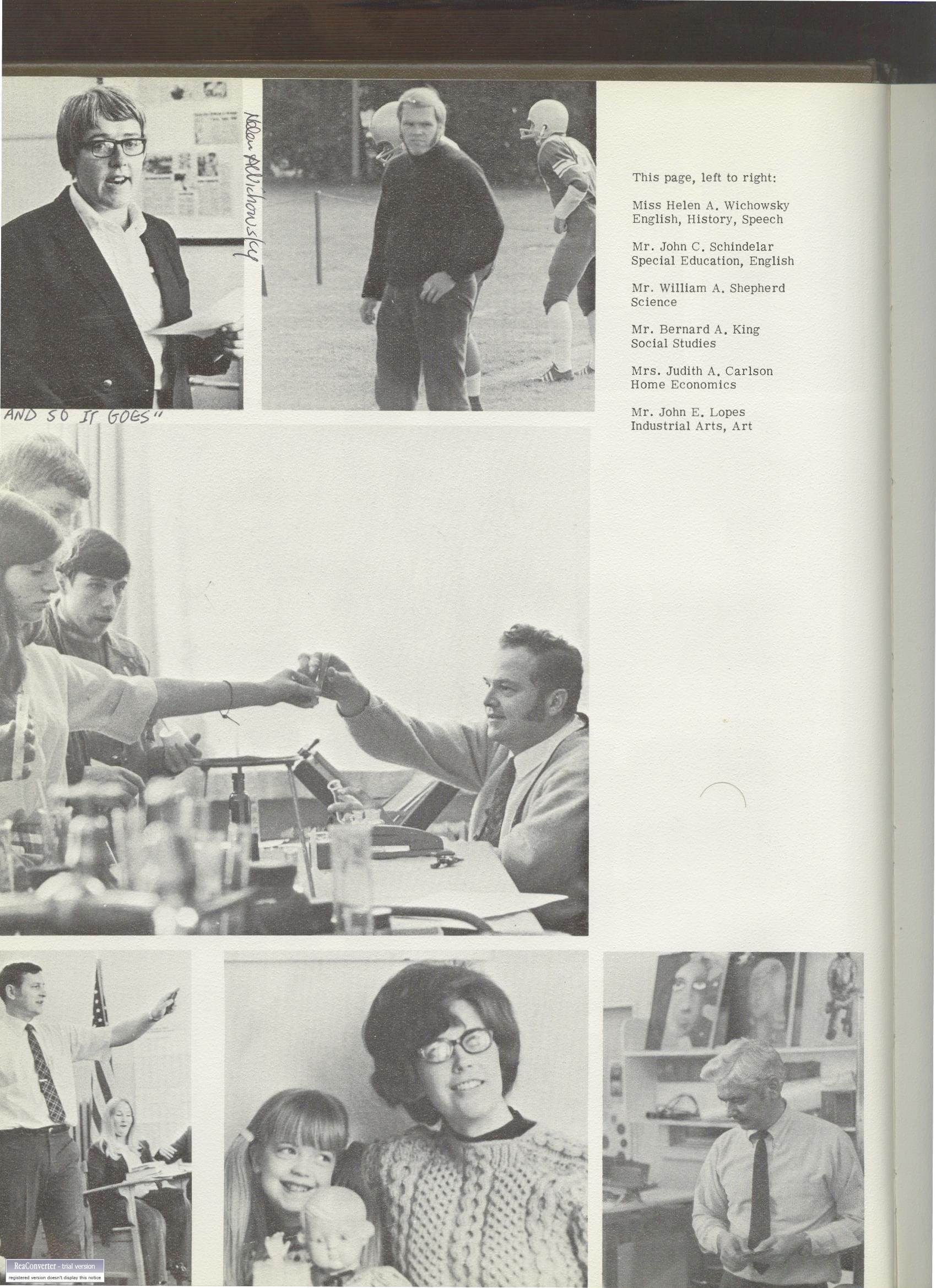
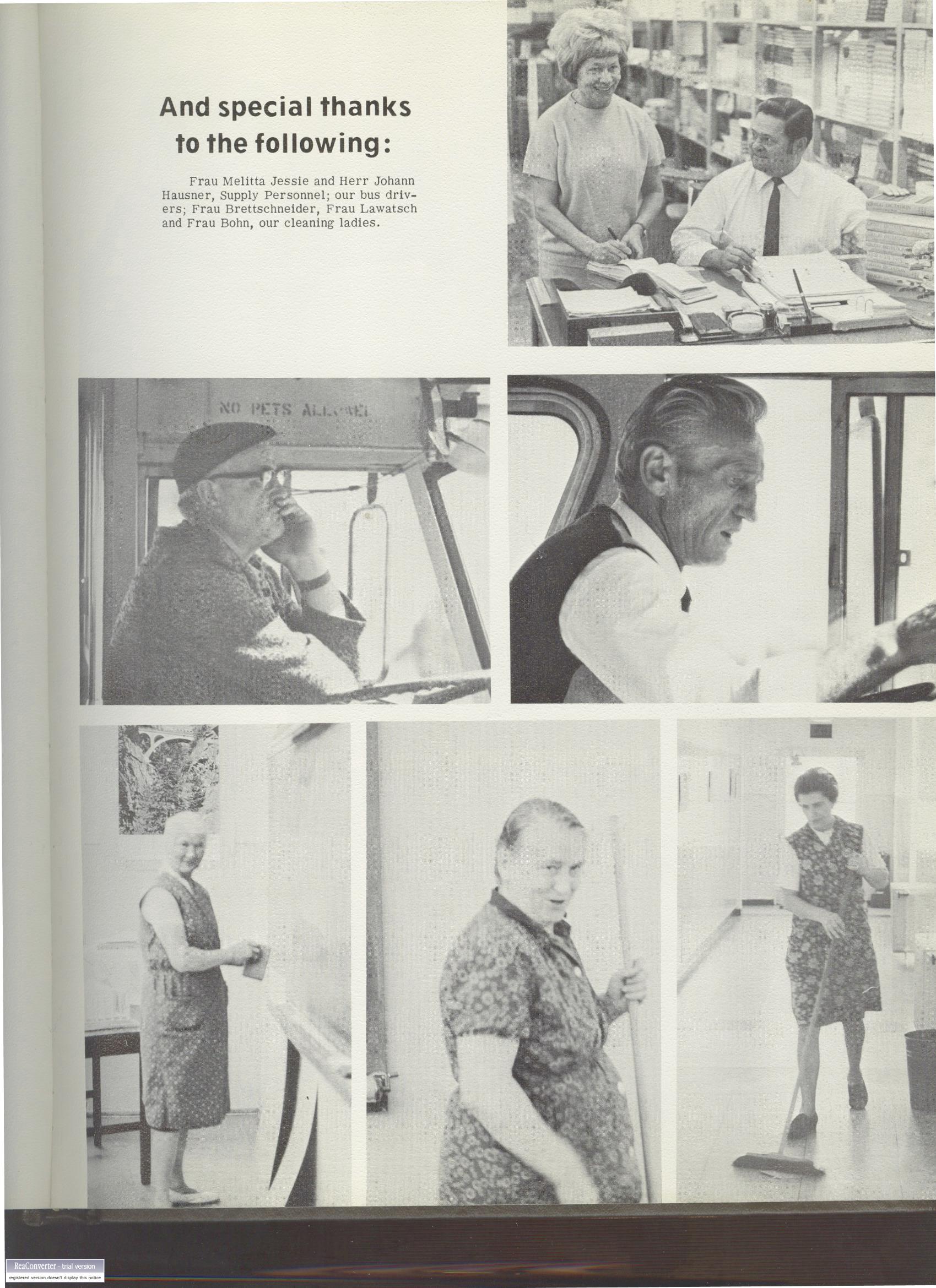
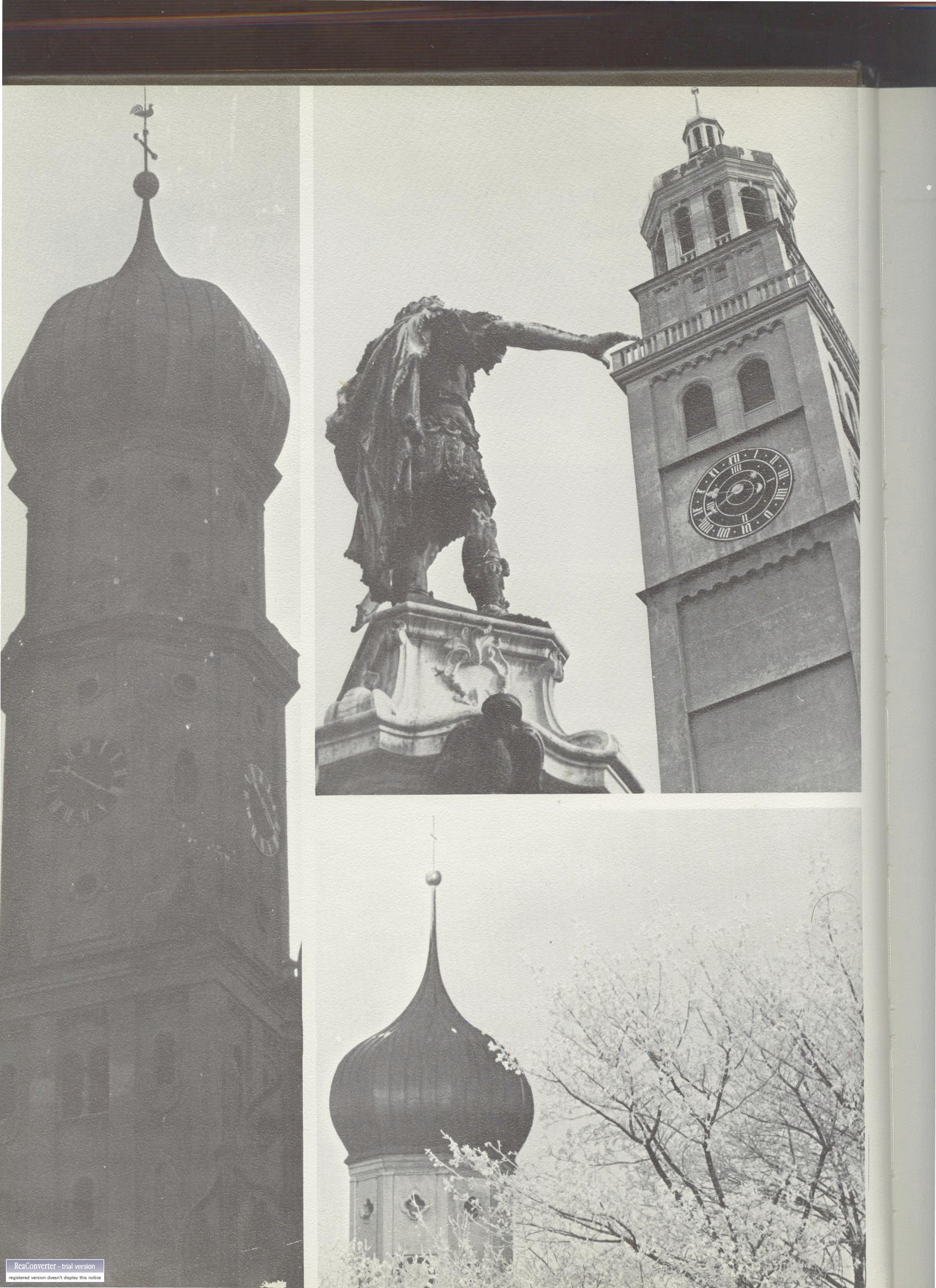
- Pages 69 and 96 have a moire pattern embedded in the image, so the thumbnails look like they are
on drugs, but the expanded images show up properly.
Website courtesy of Olan Knight.
Copyright 2006.